Styles and logos
BarcodeStyle sets the colours or a gradient, the shape of the modules and of a QR code's finder patterns, a logo, a title, a caption and a card. Every style is checked to read back with the package's reader, and so is every code on this page: they are rendered by the package itself.
BarcodeView(
  'https://flutter.dev',
  width: 200,
  style: const BarcodeStyle(
    moduleShape: ModuleShape.rounded,
    finderShape: FinderShape.rounded,
    logo: BarcodeLogo(AssetImage('assets/logo.png')),
  ),
)
BarcodeStyle | Default | What it does |
|---|---|---|
color, backgroundColor | black on white | The colours of the modules and the background |
gradient | none | A gradient over the modules instead of color |
moduleShape | ModuleShape.square | square, rounded or circle modules |
finderShape | FinderShape.square | square, rounded or circle finder patterns of a QR code |
quietZone | true | The blank margin readers need around a code |
logo | none | An image in the middle of a QR code |
title, caption | none | Text above and under the code |
card | none | A rounded card under all of it |
Ready-made styles
BarcodeStyle.classic (the default), soft, dots, lagoon, ink and night. BarcodeStyle.swissQrBill adds the Swiss cross that a Swiss QR-bill must carry.
const BarcodeView('https://pub.dev', width: 200, style: BarcodeStyle.lagoon)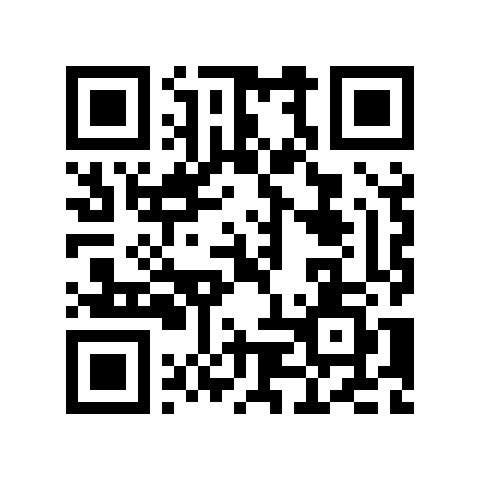
BarcodeStyle.classic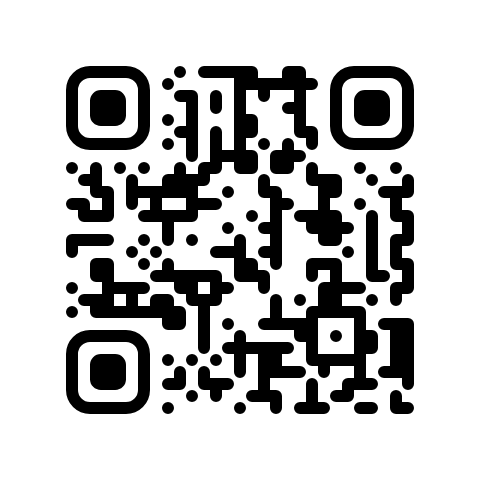
BarcodeStyle.soft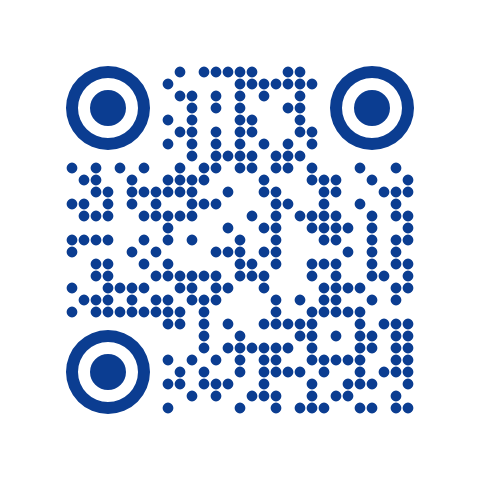
BarcodeStyle.dots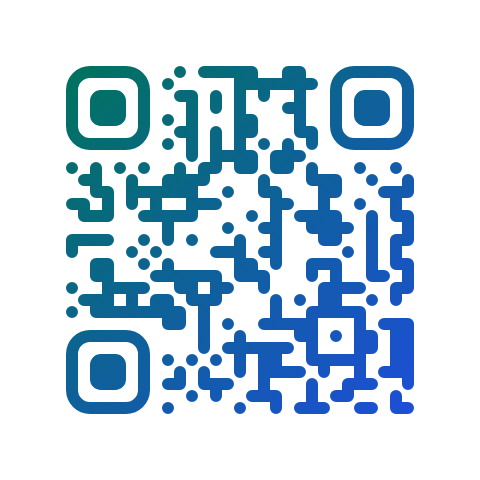
BarcodeStyle.lagoon
BarcodeStyle.ink
BarcodeStyle.night
A logo
BarcodeLogo takes any ImageProvider. Its size is a fraction of the code's width, from 0 to 0.3 (0.22 by default; larger logos may not scan), and clearBackground (on by default) clears the modules behind it instead of drawing over them.
A logo covers modules, so a QR code needs more error correction under one. QR codes get error correction M unless you set it; under a logo it rises with the logo's size, as far as reading tests show it is needed: up to 12% of the width M, up to 20% Q, larger H. At each level the code still reads at least nine times in ten with a blot a quarter of the logo's size elsewhere on it. logo.neededErrorCorrection gives the level a logo gets, and BarcodeLogo(errorCorrection:) sets one, as a standard may require. A writer that sets its own errorCorrection keeps it.
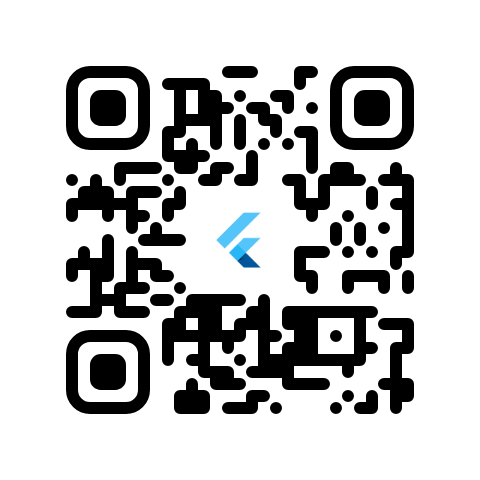
BarcodeLogo
Title, caption and card
A title above the code, a caption under it and a card under all of it, like a profile code in a messenger. Sizes are fractions of the code's width, so an export looks like the screen.
BarcodeView(
  'https://t.me/flutterdev',
  width: 240,
  style: const BarcodeStyle(
    moduleShape: ModuleShape.rounded,
    finderShape: FinderShape.rounded,
    caption: BarcodeCaption('@FLUTTERDEV'),
    card: BarcodeCard(elevation: 0.04),
  ),
)| Settings | |
|---|---|
BarcodeCaption | text, size (0.09), style, align, gap (0.05), maxLines (2), letterSpacing |
BarcodeCard | color, radius (0.12), padding (0.1), elevation |
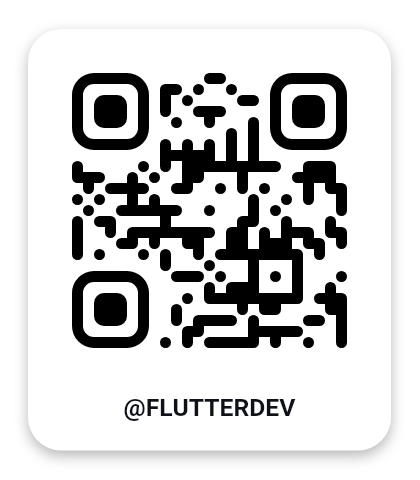
BarcodeCaption + BarcodeCard
A gradient
BarcodeView(
  'https://pub.dev',
  width: 200,
  style: const BarcodeStyle(
    moduleShape: ModuleShape.circle,
    gradient: LinearGradient(colors: [Color(0xFF00735D), Color(0xFF2563EB)]),
  ),
)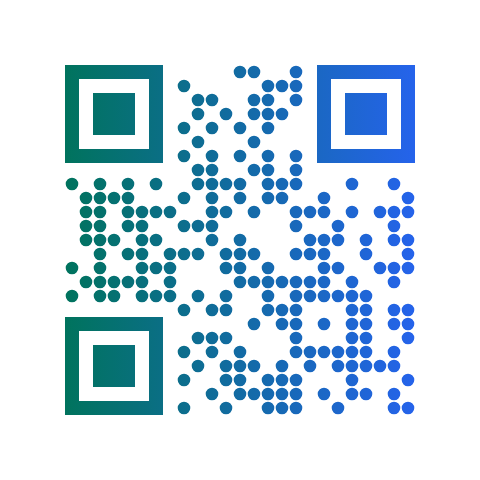
LinearGradient
SVG has no sweep gradient: a SweepGradient draws on screen and in a PNG, and an SVG export of it throws an UnsupportedError.
Exporting a style
The same style exports to PNG and SVG with the same look, text and card included: see PNG, SVG and images.